

Contact
Write to Us And We Would Be Happy to Advise You.
Do you have any questions, or would you like to speak directly with a representative?
By Fariha
Niceone-Keypad designs and manufactures custom home appliance membrane keypad solutions for appliance OEM engineers, hardware teams, procurement buyers, and aftermarket replacement-part distributors. For ovens, microwaves, dishwashers, washing machines, dryers, and cooking appliances, the keypad must match the housing, circuit connection, overlay material, adhesive system, sealing target, tactile feel, and backlighting requirement before it can move into sampling or production.
White-goods keypads are not one-size-fits-all. A microwave control panel may need a flat graphic overlay with clear legends and reliable tail connection, while a washing-machine panel may need stronger edge bonding against humidity, detergent, and repeated cleaning. Cooking appliances may also need careful material and adhesive review near warm control faces.
Niceone’s Dongguan factory and CT office support custom membrane switches, graphic overlays, FPC and PCB membrane keypads, capacitive switches, tactile dome designs, and backlit panels for appliance UI projects. Send drawings, samples, artwork, or existing appliance keypad details for review and quotation.
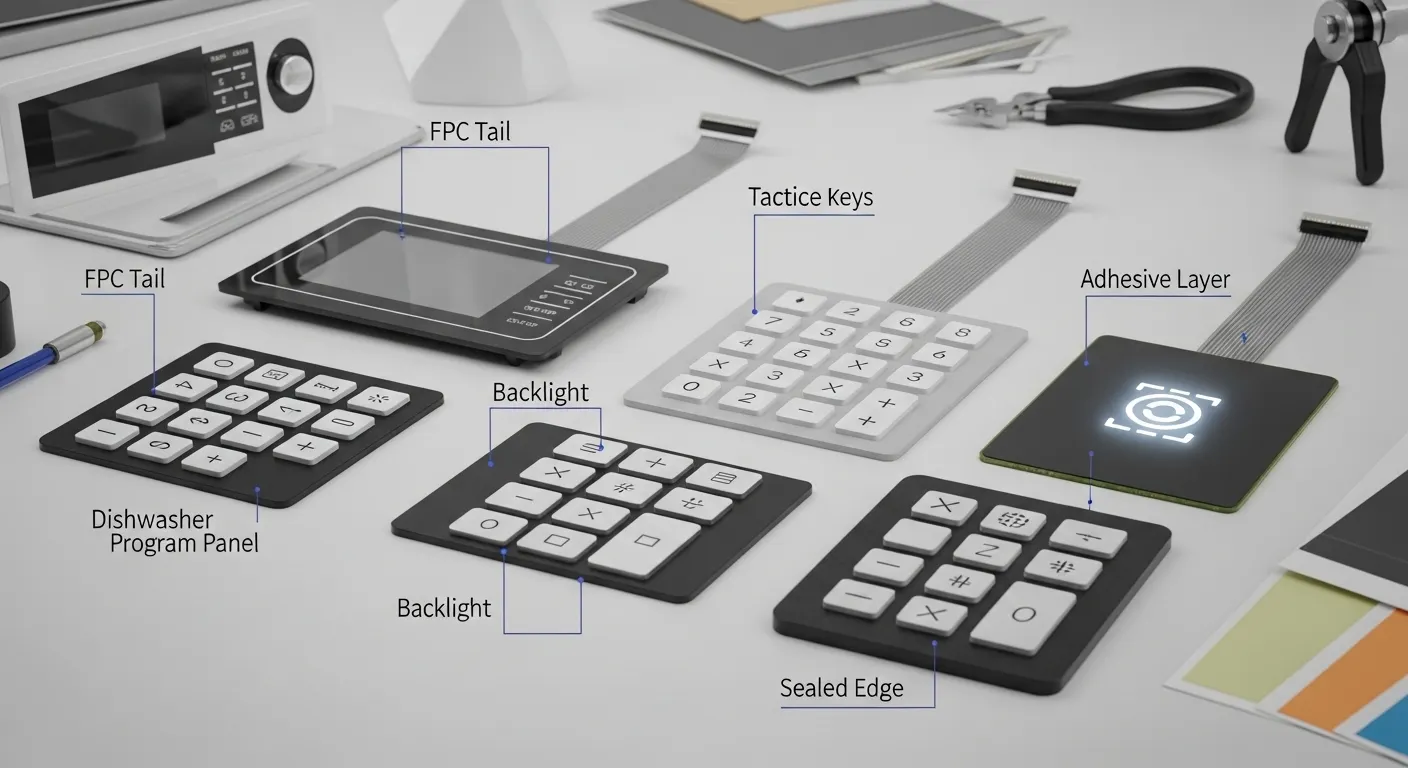
A home appliance membrane keypad is used where the control surface needs a thin, printed, cleanable, and custom-shaped user interface. In white goods, the keypad is often part of the front control panel, display window, or replacement overlay assembly.
Common appliance uses include:
For appliance OEMs, the main goal is a keypad that fits the enclosure, supports the electrical interface, and matches the product’s visual design. For aftermarket distributors, the key concern is fitment: dimensions, tail exit, connector style, button position, and printed legends must match the replacement application.
If the appliance control panel is exposed to grease, moisture, repeated wiping, or warm surfaces, the keypad design should be reviewed before tooling. A small adhesive, material, or tail-position mistake can create edge lift, poor button feel, or assembly issues.
For buyers comparing cleanable control-panel requirements in harsher food-contact equipment, Niceone also covers related design considerations for food-processing membrane panels.
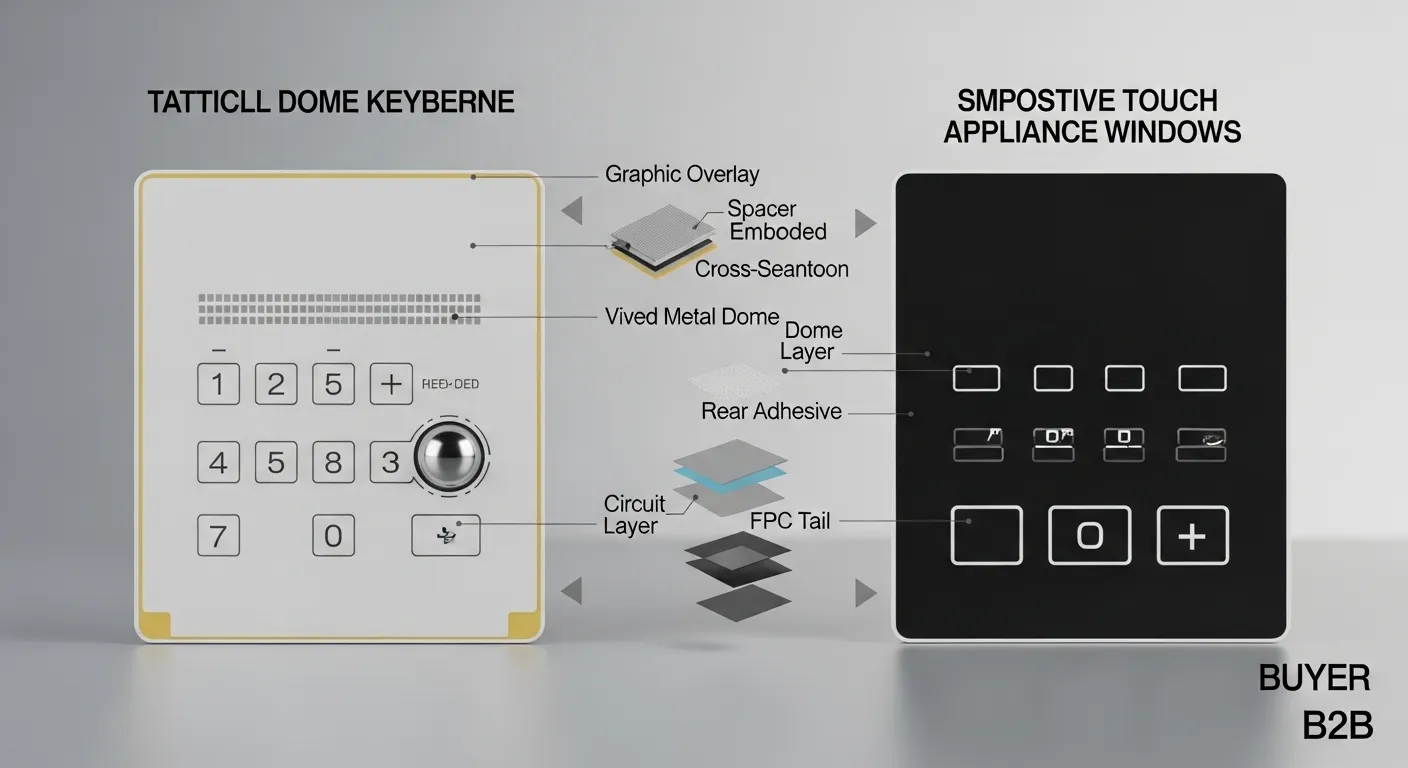
The best input style depends on the appliance, the user expectation, and the control environment. Tactile dome keypads give a clear click response. Capacitive touch designs create a smooth, modern surface. Some appliance projects use both: capacitive keys for a sleek interface and LED indicators for status feedback.
Tactile dome keypads are often useful when users need confirmation from the button press. This can work well for microwave timers, washing-machine cycle selection, start/pause buttons, and frequently used appliance controls. Dome layout, actuation force, embossing, button size, and spacing should be confirmed during the design stage.
Capacitive appliance panels can support flat, elegant surfaces with fewer physical button features. They are suitable for premium UI designs, display-heavy panels, and applications where a smooth wipe-clean face is preferred. However, wet fingers, accidental touch, glove use, and control sensitivity should be discussed before choosing capacitive sensing.
For many white-goods projects, the decision is practical rather than cosmetic:
Different appliances expose the keypad to different risks. The table below helps buyers map appliance type to the design details that should be confirmed before quoting.
| Appliance type | Main exposure risk | Suitable input style | Overlay / material notes | Sealing / adhesive concern | Backlighting need | RFQ notes |
|---|---|---|---|---|---|---|
| Microwave oven | Heat near control face, steam, frequent cleaning | Tactile, non-tactile, or capacitive | PET or PC overlay based on appearance, embossing, and use case | Tail exit and edge sealing should match housing | Useful for timer, start, stop, and icons | Send old sample, artwork, tail photo, connector details |
| Oven / range | Warm front panel, grease, repeated wiping | Tactile or capacitive | Review overlay surface, print protection, and heat exposure area | Adhesive must suit the appliance face material | Helpful for night cooking and status icons | Confirm control-face location and heat exposure |
| Dishwasher | Steam, splash, detergent, wet hands | Tactile or sealed non-tactile | Printed legends should resist cleaning wear | Edge bonding and sealed areas matter | Useful for program status | Confirm moisture exposure and mounting surface |
| Washing machine | Humidity, detergent, vibration, user pressure | Tactile dome or non-tactile | Durable overlay and clear cycle legends | Edge lift prevention is critical | Useful for cycle status and low-light laundry rooms | Send housing material, sample, and button layout |
| Dryer | Heat, dust, repeated use | Tactile or non-tactile | Clear graphics and durable surface finish | Adhesive must hold under warm conditions | Optional for premium control panels | Confirm tail routing and PCB connection |
| Rice cooker / small appliance | Steam, heat, kitchen cleaning | Tactile or capacitive | Compact overlay with clear icons | Review steam path and edge bonding | Optional indicators | Send dimensions and control logic |
This matrix should guide the first RFQ conversation. Final material, adhesive, sealing, dome, and circuit decisions should be based on the drawing, sample, appliance environment, and buyer specification.
Many appliance keypad problems begin at the edge. If the overlay, adhesive, and plastic housing do not work together, the keypad may lift, curl, or lose bonding strength after temperature changes, moisture exposure, or repeated wiping.
White-goods housings may use plastic materials such as ABS or PP. The keypad overlay may use PET or polycarbonate, depending on the required appearance, flexibility, embossing, and surface performance. The adhesive must be selected for the housing material, surface energy, bonding area, and appliance environment.
Key design points include:
For washing machines and dishwashers, moisture and detergent exposure can make edge bonding more important. For ovens and microwaves, heat near the control face should be discussed before choosing overlay material and adhesive structure.
Backlighting is valuable when the appliance is used in low light or when the brand wants a higher-end control-panel appearance. Kitchens, laundry rooms, and utility areas often need clear status indicators without making the panel visually crowded.
Niceone can support appliance keypad designs with LED indicators, light guide film, and other backlighting approaches based on the project requirement. Backlighting can be used for:
Backlit designs need more review than standard printed overlays. The engineering team should confirm icon windows, LED position, diffuser needs, light leakage control, circuit structure, and assembly thickness. If the keypad connects to a display or control PCB, connector type, pinout, and tail length should also be confirmed before sampling.
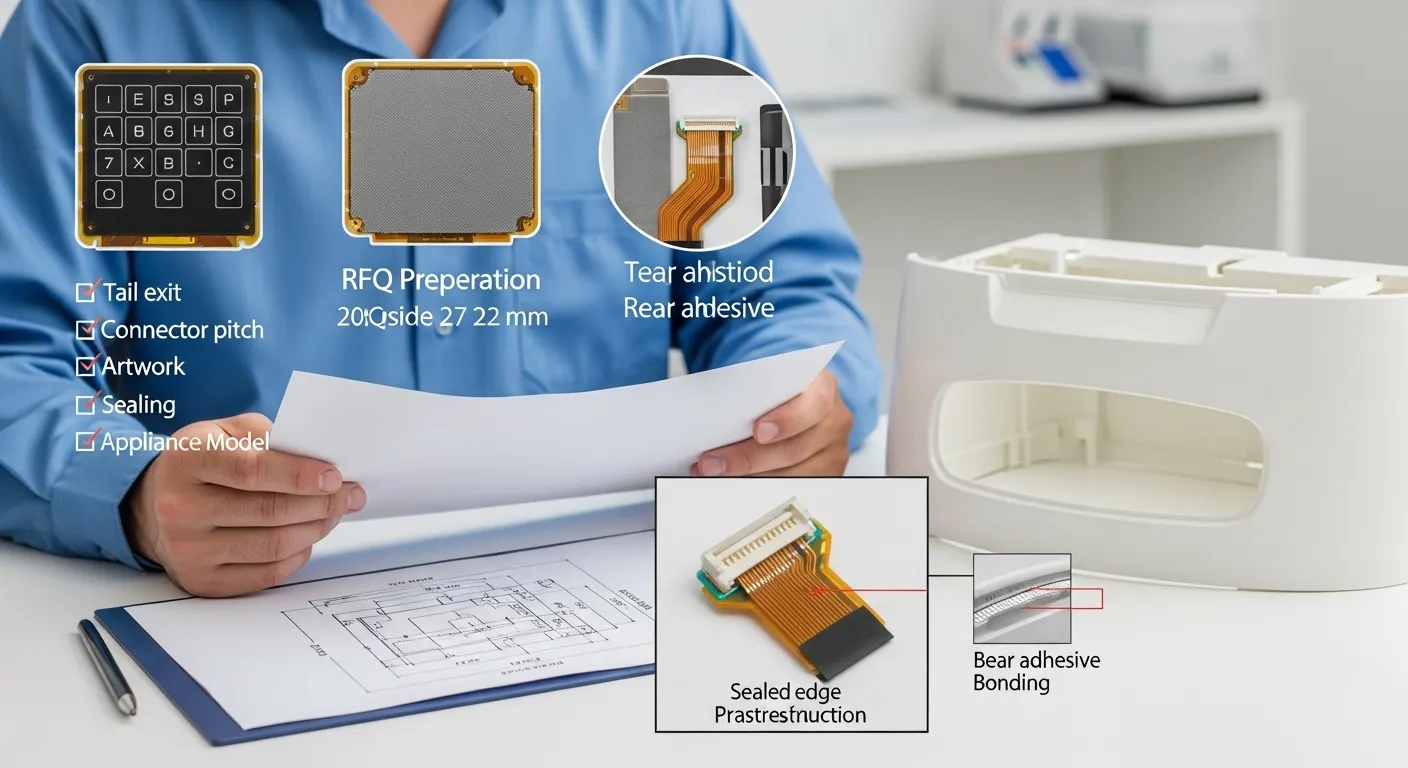
OEM appliance projects usually start with drawings, artwork, electrical requirements, and enclosure details. Aftermarket projects often start with an existing keypad sample, appliance model, photos, and replacement-fit requirements.
For an accurate quote, send as much of the following as available:
If you are sourcing replacement panels, include the appliance brand and model reference if available. Niceone can review the sample and drawing requirements, but the page should not claim approval from any appliance brand unless that approval is part of the buyer’s own specification.
Niceone-Keypad combines custom HMI design support with membrane switch manufacturing in Dongguan, China, and customer service through its office at 18 Dayton Rd, Redding, CT 06896 USA. This helps appliance OEMs and US-based buyers communicate requirements while still sourcing from a custom manufacturing team.
Our product range supports the main design routes used in appliance control panels:
For appliance buyers, the value is not only the keypad itself. The important step is design review before tooling. Niceone can help check the overlay structure, circuit connection, tail direction, adhesive needs, key feel, and backlighting concept before moving into sample production.
Yes. Send the old keypad sample or clear photos, dimensions, button layout, tail direction, connector details, appliance model reference, and target quantity. The team can review whether a custom replacement-style keypad can be quoted.
Tactile domes give clear press feedback. Capacitive touch creates a smooth, modern surface. For microwaves and ovens, the right choice depends on heat exposure, cleaning needs, user feedback, icon design, and the control PCB.
PET is often used for flexible membrane switch overlays. Polycarbonate can support attractive graphics and panel appearance. The final choice depends on embossing, surface finish, cleaning exposure, heat location, and project specification.
Review the housing material, adhesive type, bonding area, surface cleaning process, button-hole spacing, and overlay stress. Moisture, detergent, and temperature changes can increase lift-up risk if the adhesive system is not matched to the appliance housing.
Yes. Appliance keypads can use LED indicators, light guide film, illuminated icons, and status windows. Backlighting should be planned with the circuit, overlay print, diffuser, icon position, and assembly thickness.
Send drawings, sample photos, dimensions, artwork, button layout, circuit details, connector and tail information, material preference, backlighting needs, sealing target, appliance type, and estimated quantity.
Send your home appliance membrane keypad drawing, old sample, artwork, connector details, tail layout, appliance model reference, backlighting requirement, and exposure conditions to Niceone-Keypad for a custom quote or design-studio review. Our Dongguan factory and CT office can help review the keypad structure before sampling.
Do you have any questions, or would you like to speak directly with a representative?

